How I built my logo in one hour
Of course, the logo is very simple and has a fairly limited usage. The idea here is only to design a vector logo with a touch of humanity inside, in a short amount of time.
Here’s the gist: this is an engineering blog, building blocks make sense as a playful concept. Here’s the twist: this is a personal blog, the logo should contain a bit of myself.
As for the solution: let’s draw it and vectorize it! And to make it easier, let’s start from a render.
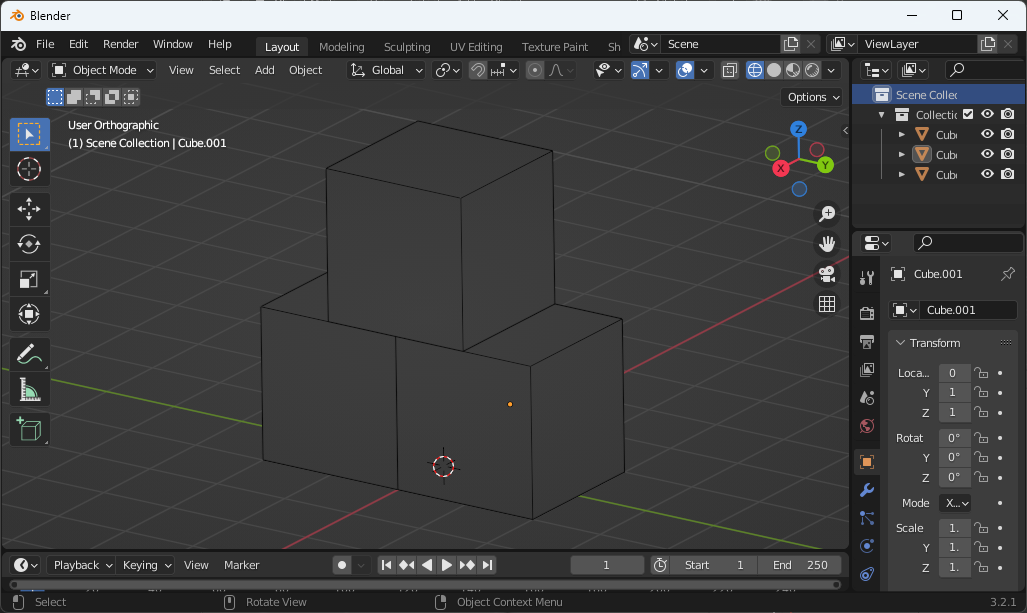
I realized too late that X-ray mode can be disabled, displaying exactly the lines I need.
Now let’s extract the wireframe only. To be quick, I pasted a screenshot into Photoshop and played with the levels to keep only the wireframe. I also had to paint out the back edges by myself as I didn’t know it could be quickly done in Blender.
![Three successive screenshots showing the black and white wireframe of the piled up cubes being extracted from Blender.]](/blog/how-i-built-my-logo/photoshop_hu_141269319560af7e.jpg)
Quick and dirty way to extract a black and white wireframe.
Now to give it some personality, this is the secret sauce:
- Print it (on paper!)
- Draw over it (with your hand!)
- Scan that back
Finally we can work on something unique.
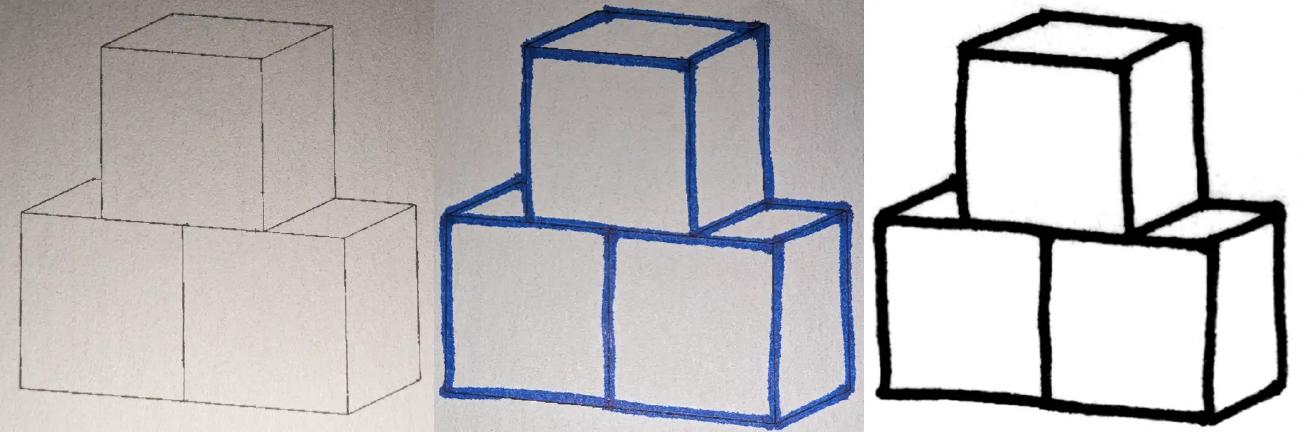
I originally used a scanner but a photo from my phone would have had a greater quality.
The scanned image can then be imported into Inkscape for vectorization. I was pleasantly surprised at the automated tracing quality it had out of the box!
If my optimization mindset didn’t kick in, the logo could have been used in that state and that would have been the end of it! However I knew I had to go further to remain in the spirit of this blog. A slight trade-off between the logo’s personality and bandwidth usage.
The first step was to reduce the number of points, this is done through the simplification filter in Inkscape.
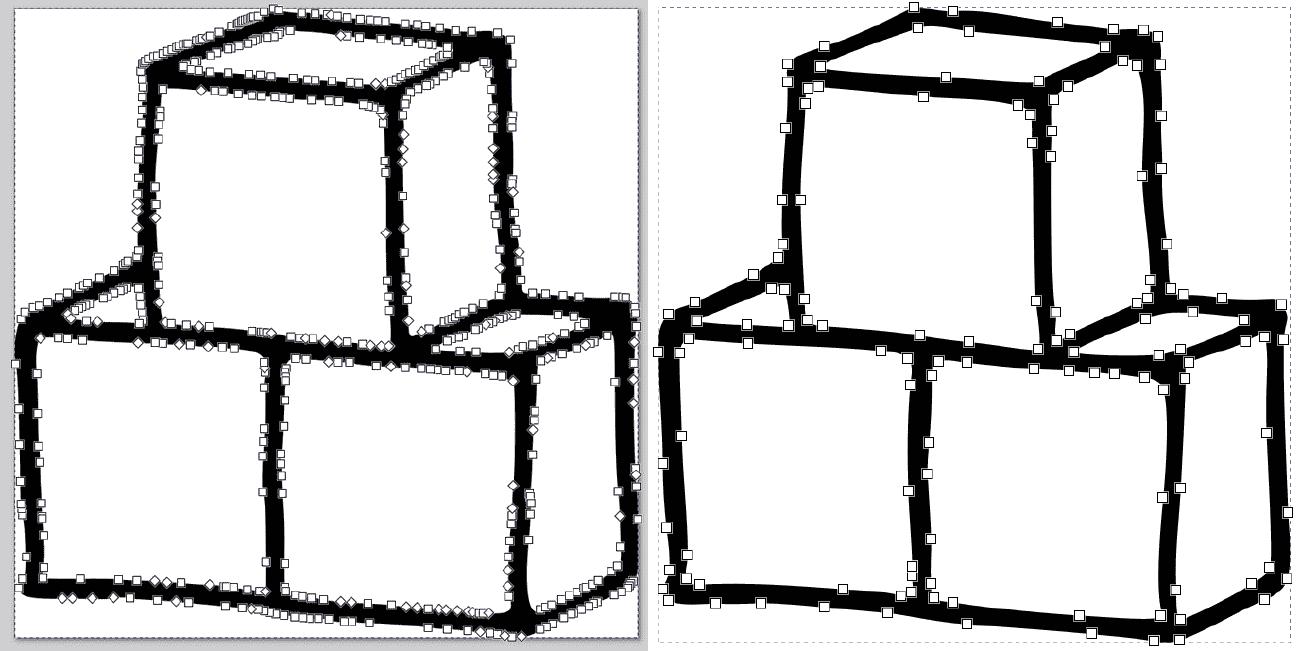
The dynamic simplification filter was helpful to reduce the number of points.
Finally, it’s time to compress it as much as possible. I’m not talking about a compression format such as gzip, but rather making the data within the SVG as small as possible. It’s not purely minification either, as it’s not always lossless.
The best tool I found was SVGOMG, setting the number precision to 0. The results were a bit rough originally, but after iterating and editing some points in Inkscape I could get to a satisfactory state.
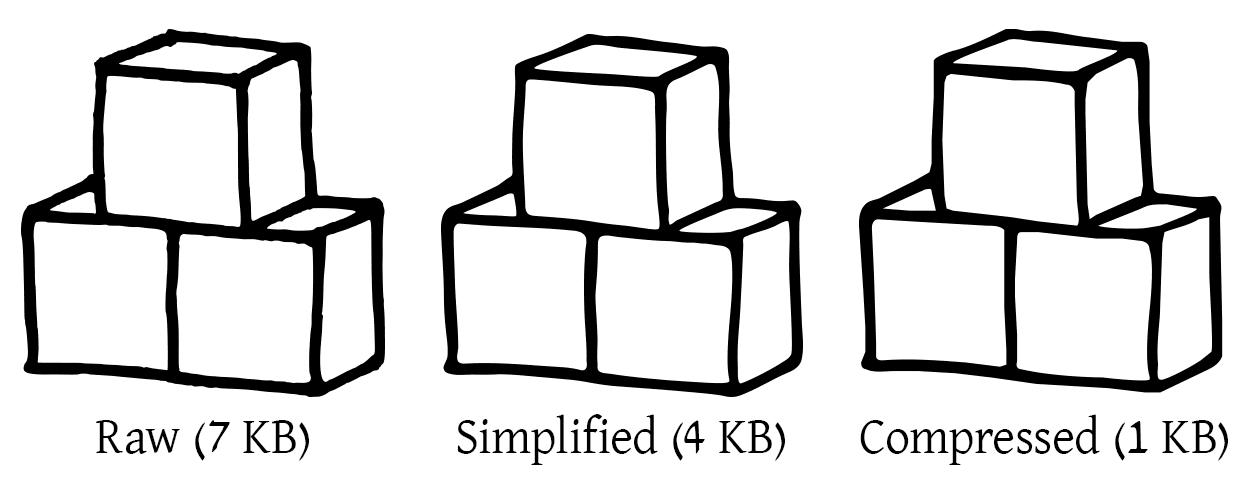
We lost some details but kept the general vibe.
I’m sure with a better vectorization (for example fully manual and using fewer points) I could get under a kilobyte, but this will be for another day.
For the favicon, I also made a thicker version using the offset filter in Inkscape. The various favicon sizes were then generated through RealFaviconGenerator which I found very useful to get set up quickly.
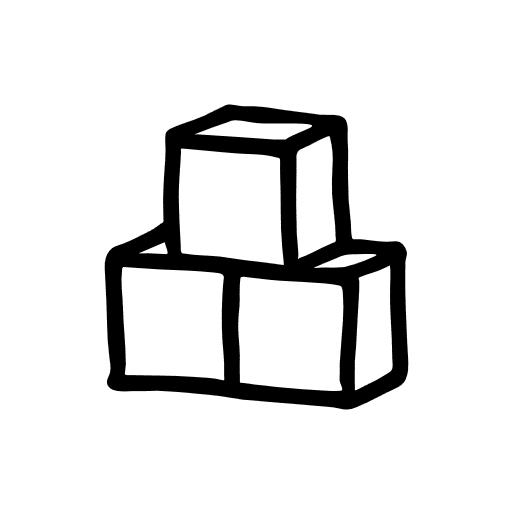
The extra thick version is the base for favicons.
Additionally, here are some options I rejected:
- Rendering the wireframe image directly from Blender: this could avoid the screenshot manipulation process, though I’m not familiar enough with Blender to do that quickly.
- Vectorizing as lines rather than a shape: this would give the path a uniform width, stripping it from its personality.
- Starting from vector lines and using distortion to add a hand-drawn effect: not as fun in my opinion, but it could be a quicker method to obtain a similar result.
- Keeping more points in the vectorization: I really wanted a smaller file size.
Thoughts from readers